Does the Web Frontend Still Make Sense?
· 5 min readLately I've been thinking about how we'll consume information in the future. Even though I've spent my entire professional life building websites, I increasingly find myself wondering whether classic web frontends are really the right path forward. Aren't they just an unnecessary middle step?
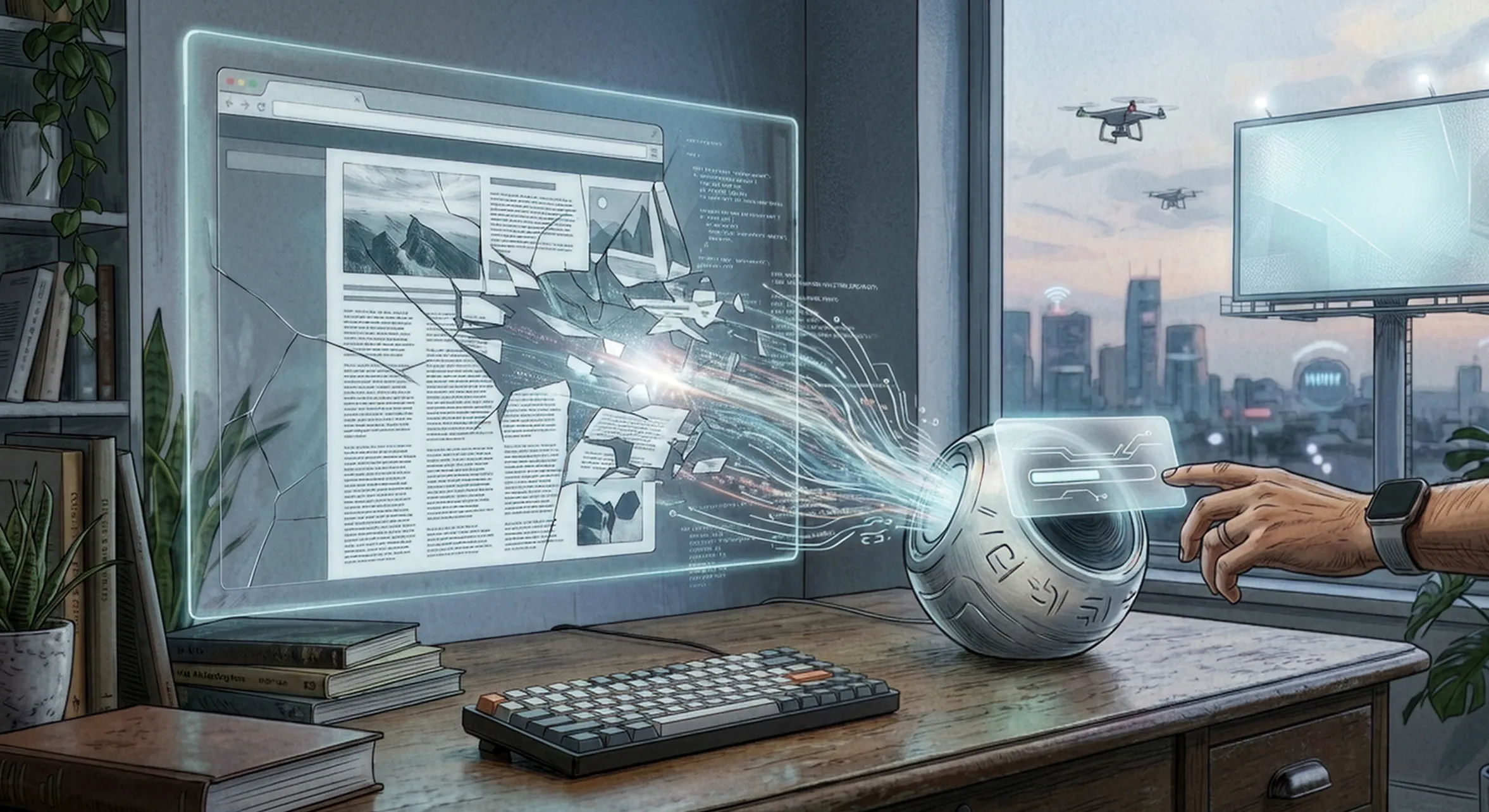
A website can be beautifully designed, intuitive, rich in content, and personalized. A site like that is pleasant to use and delivers valuable information to people. But not every website is like that.
As the saying goes, to each their own—and in design that applies twice as much. Personally, I don’t think appearance matters that much as long as the site is easy to use. But even that is highly subjective.
Every website has a different structure, different menus, and a different level of accessibility. For users, this can be quite confusing because they first have to orient themselves on each site. And most of the time we’re not looking for design, navigation, or parallax animations.
We’re looking for information.
When the Browser Is No Longer the First Choice
Among the people I follow, the rise of AI has introduced new ways of consuming information. Some people now open chat tools instead of a web browser as their primary interface. For specific use cases, they even build their own apps using vibe coding. A web search engine no longer has to be the first choice.
It’s likely that this trend will continue to evolve. What if the next step is a combination of different sensory inputs—we talk to an assistant, listen to its responses, and only occasionally it shows us something visual to help us understand.
Visuals may become a complement for charts, images, or video—essentially for information that takes a long time to explain and that the human brain processes better visually.
Each of us wants information in the form that suits us best. Chat tools make this possible—you simply define the style of the responses. For me, it’s very comfortable and efficient.
The Web as an Intermediate Step
At some point I realized that this comfort and efficiency had pushed me to a place where I barely read full articles anymore, because they often feel unnecessarily long. Instead, I use the text more as input context that I continue working with—enriching it with additional sources, asking follow-up questions, and developing the ideas further.
To do that, I always have to go through the same sequence of steps: select text, copy, switch tab, paste, write a prompt.
That’s when it hit me that the web page is often just an intermediate step for me.
Experiment: A Website with Two Content Layers
This led me to the idea of trying to shorten this workflow for the user. What if a page had two layers of content—one for people and one for AI?
For the user, nothing would change. The page would still look like a classic website—typography, layout, images, navigation.
The second layer was more interesting. I wanted to design it so that the content could be used directly in AI tools.
Finding the right UI and UX for this layer was challenging because I was creating something unconventional. On the way to the final version, I went through three different concepts.
The first idea was to switch the site into a Cyberpunk mode—a visually separate layer containing only Markdown that the user could copy. The problem was that copying still remained the user’s responsibility. The workflow became only slightly shorter, and the result looked rather strange.
The second attempt was a floating button that copied the Markdown to the clipboard and prompted the user to paste it into a chatbot. Better, but the switching step was still there—clipboard, another window, paste.
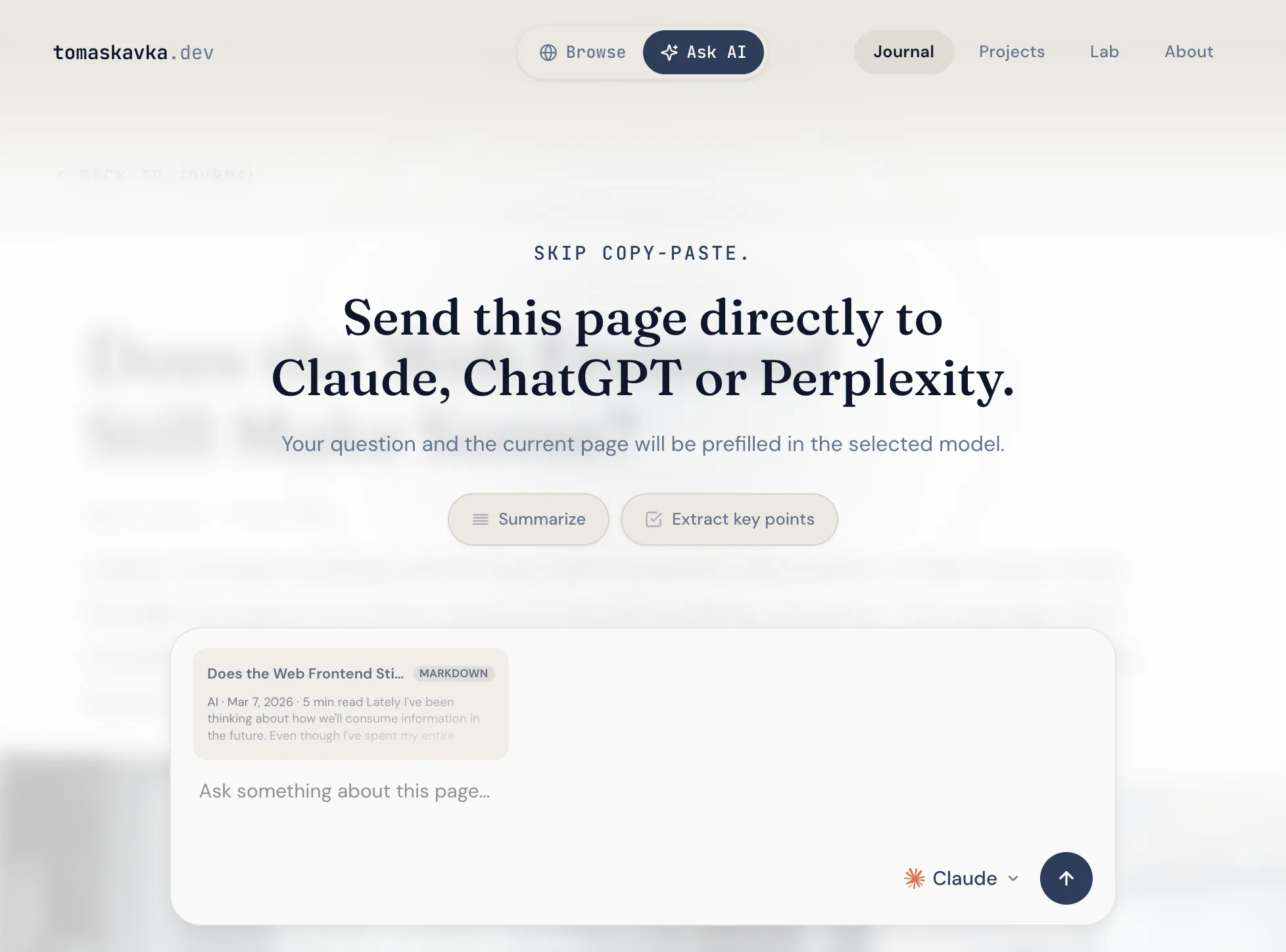
In the end, the option that won felt the most intuitive to me: an overlay appears on top of the page with an input field where the user can write a prompt or choose predefined shortcuts such as “Summarize” or “Extract key points.” In a context card, they can see exactly what will be sent to the AI, and immediately choose whether they want the answer in Claude, ChatGPT, or Perplexity.
No copying. No switching.
The headline says it all: “Skip copy-paste.”
I built the site using vibe coding—Claude and Codex helped the most, but I also tried Minimax and GLM. That alone could be a separate article.
So what’s the takeaway?
This experiment didn’t convince me that the future of the web lies in dual-layer pages. Instead, it reinforced the idea that we often use the web today in a way it wasn’t originally designed for.
We take information from websites as input context and then process it further in AI tools. In that process, the web page is often just an intermediary.
Maybe that’s why it makes sense to think about a different model. For example, standards like WebMCP, where authors or companies expose structured interfaces for AI agents.
Instead of scraping HTML, agents could retrieve information or perform actions directly through defined APIs. The web would no longer primarily be a UI for people, but a data source that machines can work with.
The question of monetization, however, remains open. If AI stops sending people to websites, the economics of the web will have to change as well.
But it’s quite possible that we’re at the beginning of a transformation similar to the one the web itself once triggered.
Maybe the web won’t disappear.
But it might stop being the place where people search for information—and become just the place where AI gets it from.